Open receiver
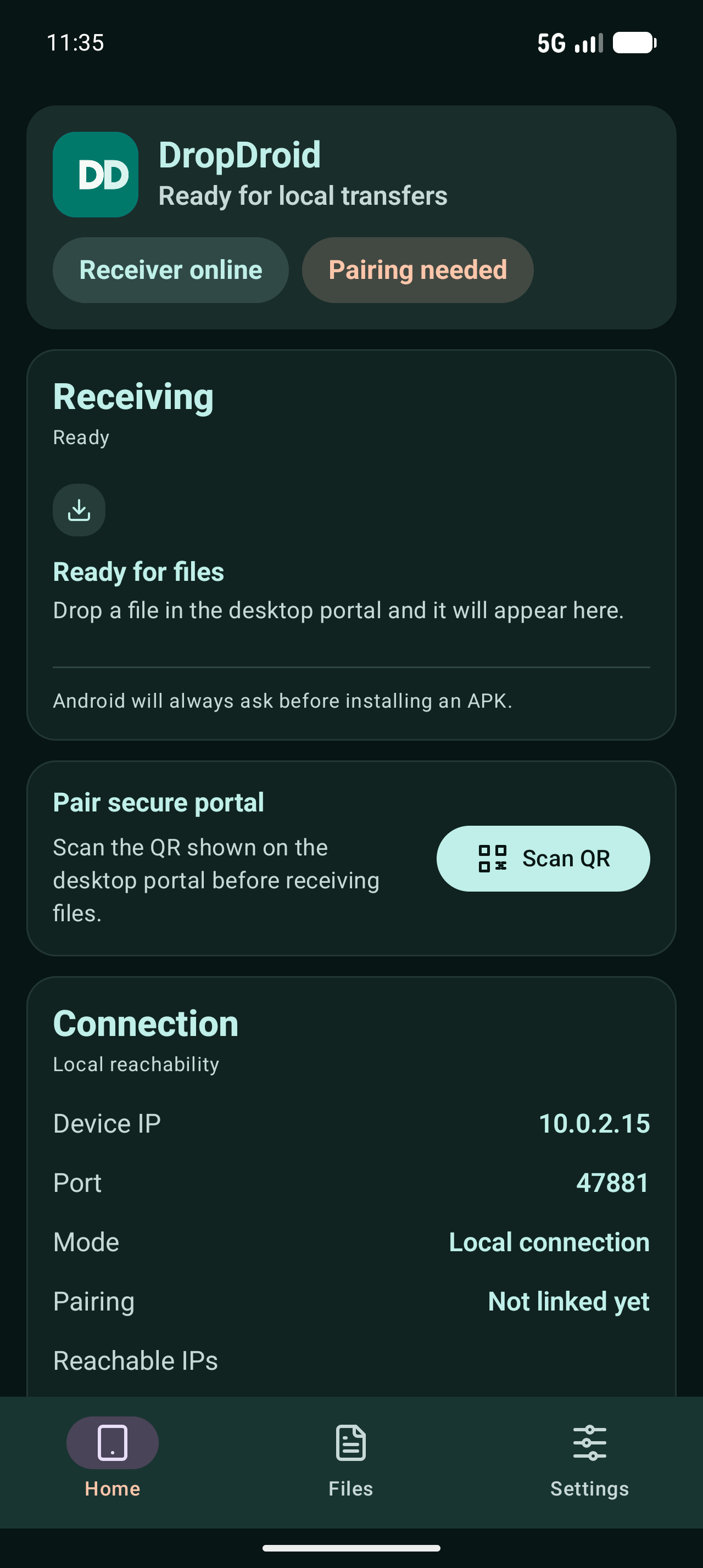
Start DropDroid on Android and keep the receiver active.
 DropDroid
Open-source Android utility
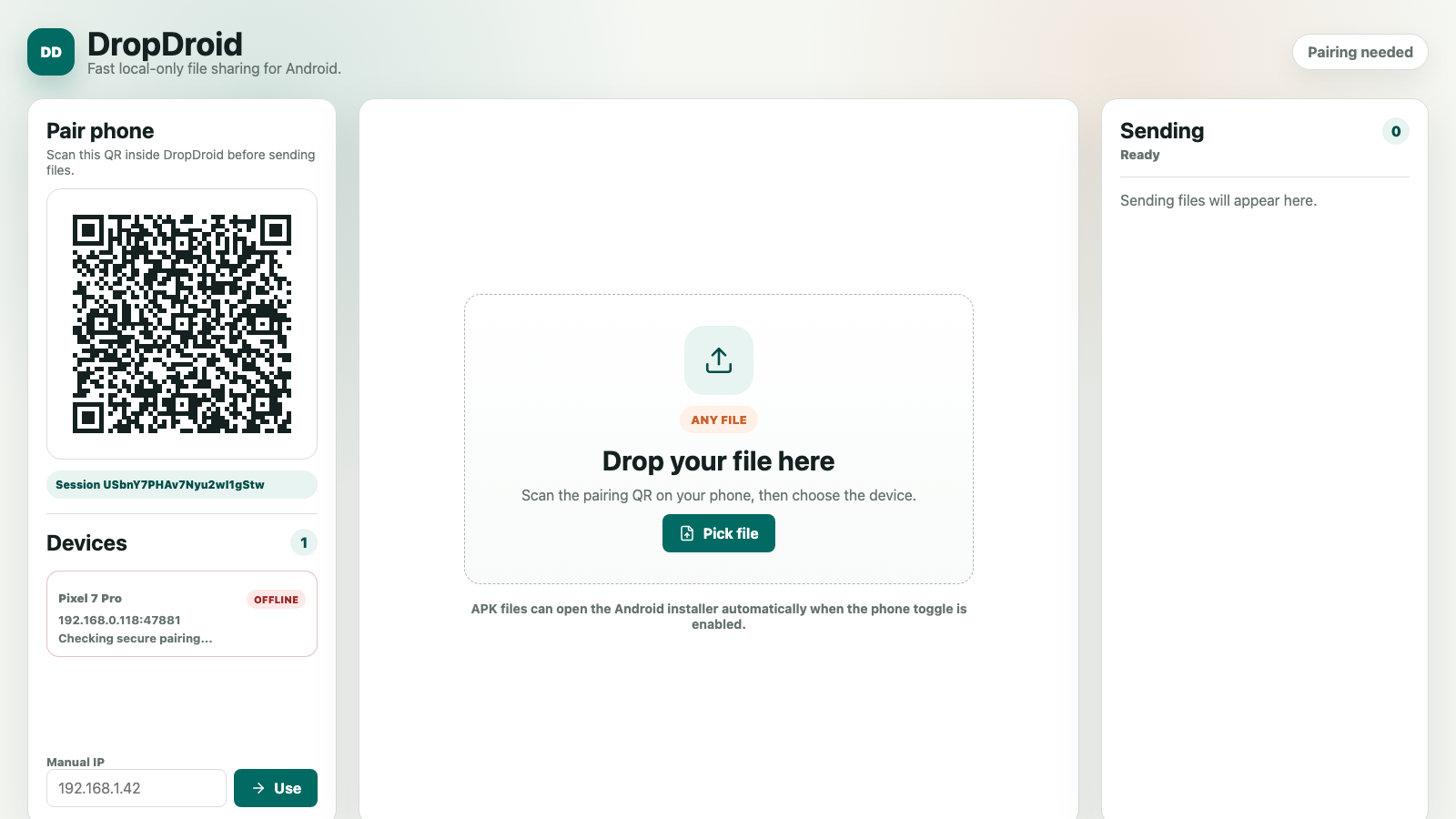
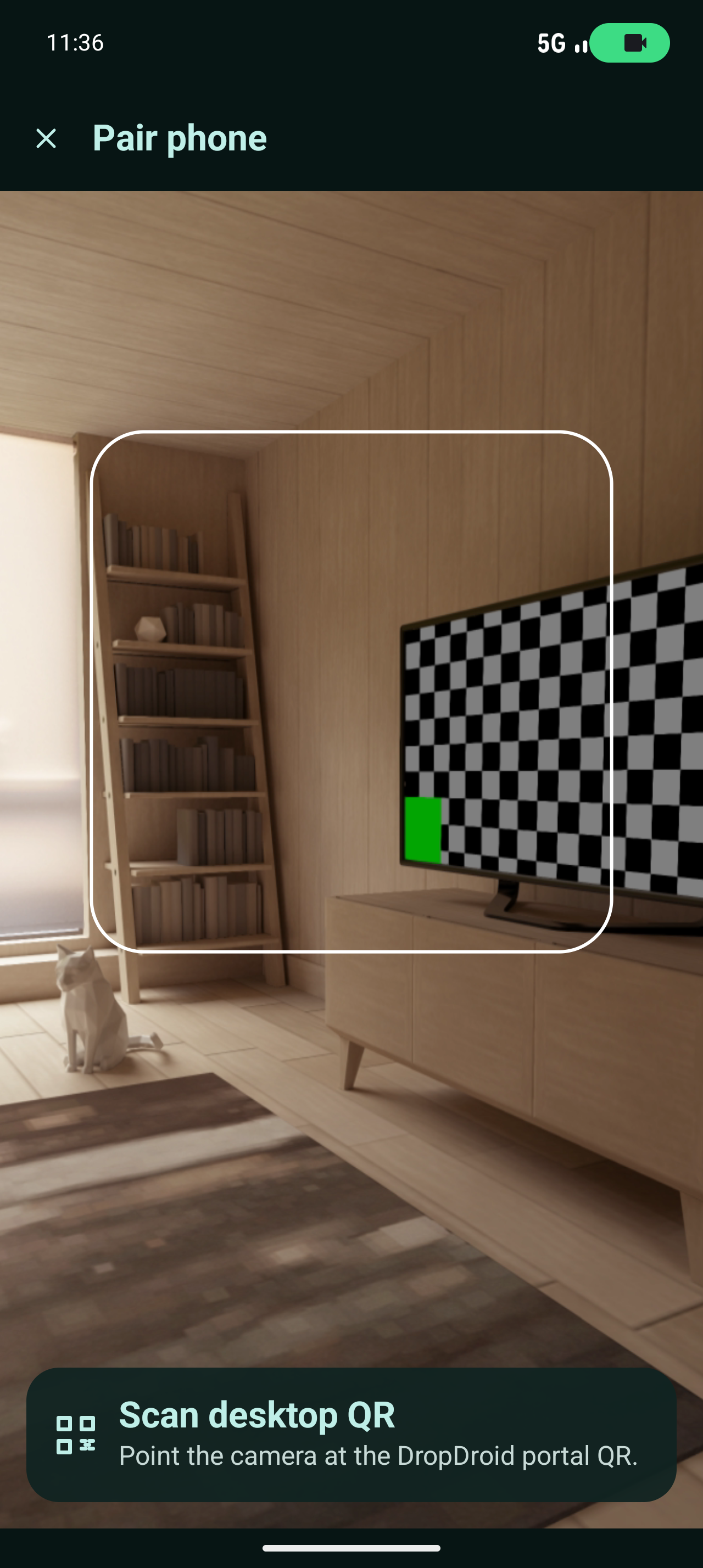
DropDroid pairs your desktop and phone with a QR code, then moves files directly over a reachable local connection.
About the app
DropDroid is built for people who often move APKs, documents, images, and test files from a desktop machine to an Android device. Keep both devices on the same local connection, scan the pairing QR code, and drop files into the sender.
Files are received by the Android app and saved to a chosen folder. APK files can optionally open Android's normal installer after transfer, while Android still asks the user to confirm installation.
Start DropDroid on Android and keep the receiver active.
Scan the desktop sender code to create a trusted local session.
Send files over Wi-Fi, hotspot, LAN, tethering, or another reachable local route.
Desktop app
The desktop companion gives you device discovery, manual IP fallback, a drag-and-drop sending area, per-file progress, and QR pairing. It is available as a local browser sender and packaged desktop app builds.
Run the desktop sender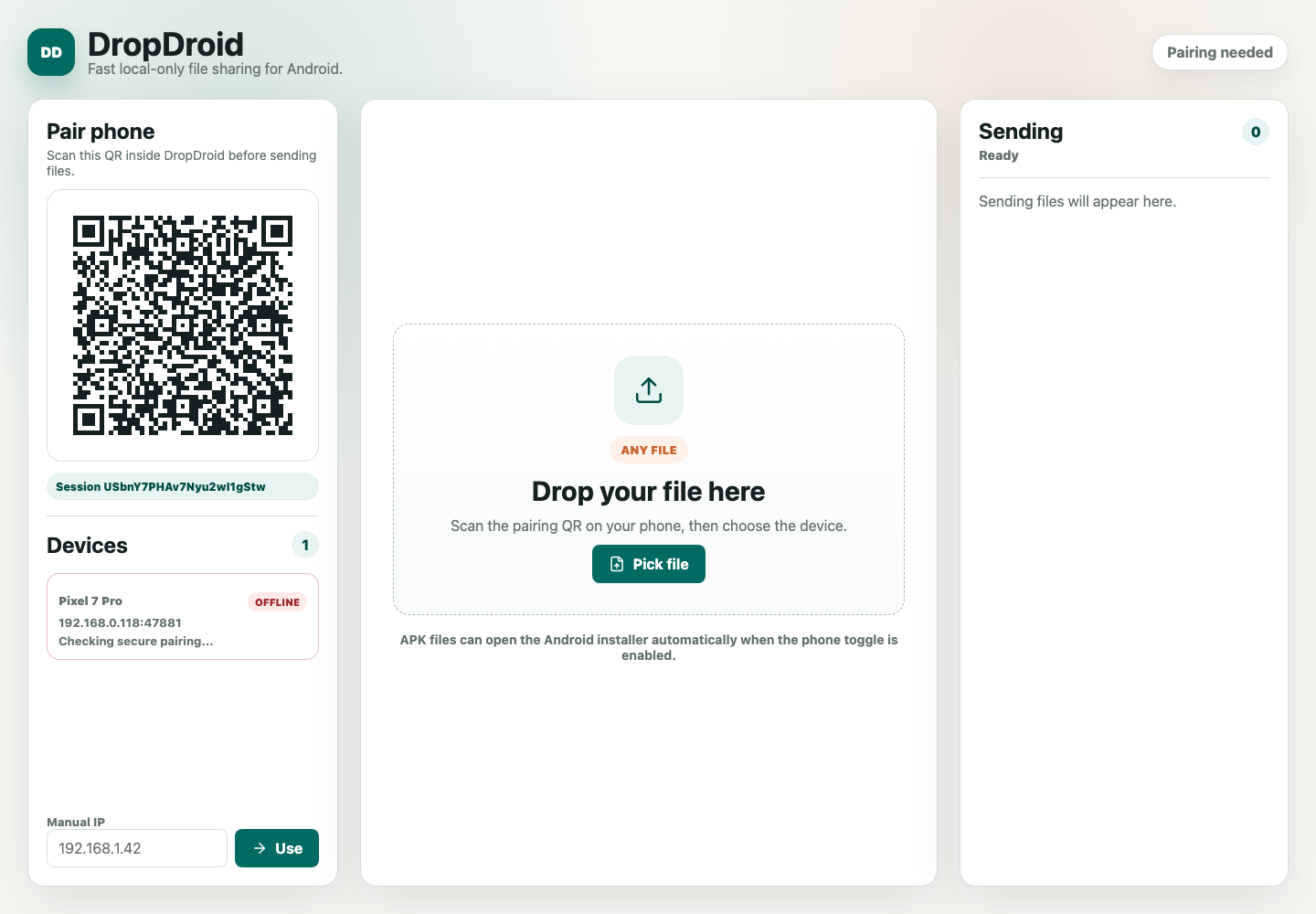
Security model
DropDroid does not upload file data to GitHub, cloud storage, or an external service. Transfers use QR pairing, HMAC-signed requests, timestamps, nonces, and file hash validation.
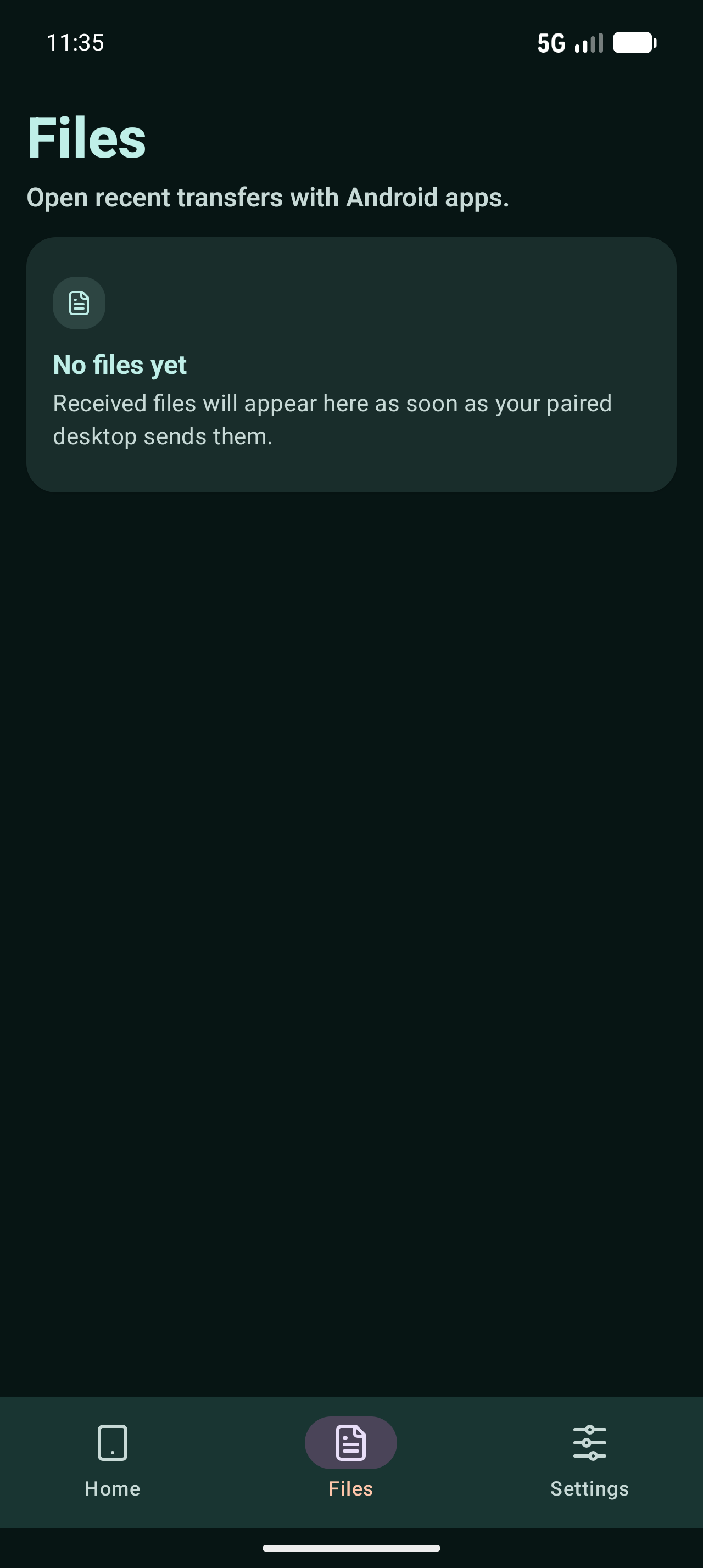
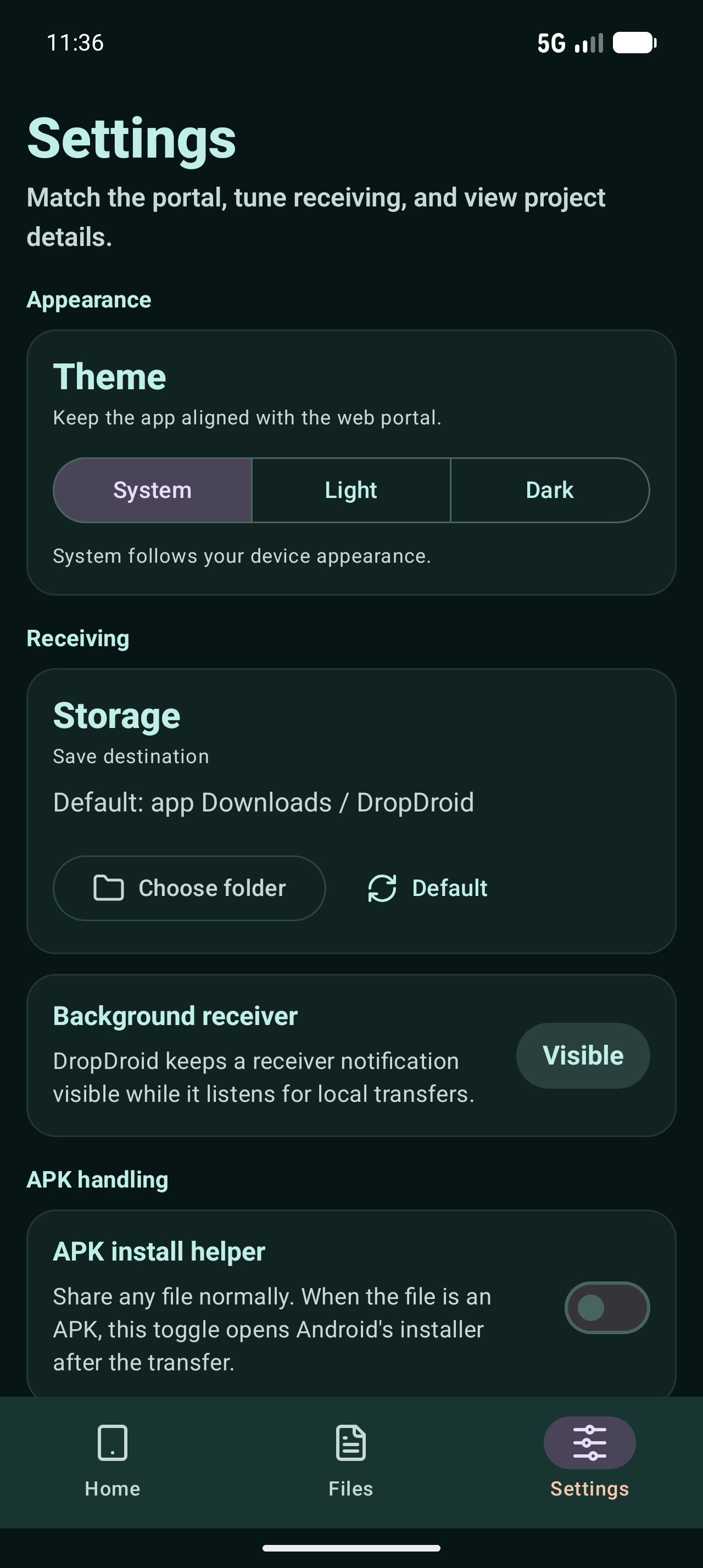
Install DropDroid from Google Play, then use the desktop sender to move files over your local connection.
Open Play Store listing